Lights On!

Hi there!

It sometimes happens that we build something out of necessity, to help us with little day-to-day tasks, and this is the case for today’s project.

The boiler’s room in my basement is a very cramped place that I need to access frequently because I keep in there a freezer for groceries. It turns out that I often have my hands full when I come back from taking something from the freezer, and it is difficult to reach for the light switch.

To obviate to this problem, I decided to build an automatic light switch, so I don’t have to maneuver it manually anymore. And, since I was at that, I decided to make one that not just turns off when I leave the room, but also turns on the light automatically when I enter the room.


The core of this device, technically called an Occupancy Sensor, is a PIR, or Passive Infrared sensor. I have a version of it called HC-SR501 that puts together a Pyroelectric Infrared Detector, or PID, with a bunch of other electronic components that make the sensor useable with very few external components. The PID is concealed underneath that white little dome, which is nothing more than a Fresnel lens that concentrates the light on the actual sensor, thus increasing its sensitivity.


The PID used in this device is called LHI 778, and is capable of detecting infrared emissions over a background noise of up to 85 degrees Celsius. You can see from its data sheet that it is like a small metallic cylinder with 4 pins coming out of it. This PID actually contains two infrared sensors connected in series, to increase its sensitivity.

This one is the schematic I made to use the PIR motion detector. The Detector is connected through the pin header J1 on the left. The header provides the power supply for the detector on pins 1 and 3, and captures the output signal on pin 2.

The signal from the detector goes to the base of transistor Q1 which pilots a relay that is used to control the lights of the room where the device is located.

The 5V power supply for the transistor and the relay comes from an old USB charger, so I didn’t have to build a power supply just for this application. LED1 and R1 provide a visual indication that tells us when the gadget is turned on.

The actual power supply for the whole thing comes directly from a 120V socket, goes through a 1A fuse, and through a power switch.

When the switch is set to on, both the USB charger and the common terminal of the relay receive the 120V. Power socket J3 receives the 120V only when the switch is on and, simultaneously, the PIR detects the presence of a person.

The following archive contains all the files you will need if you decided to build this device for yourself, and more.

You can also watch this video for further details on the construction of this device.

Important note: this device involves the use of potentially deadly voltages and you should not try to replicate it if you have no experience with high voltages. Build it at your own risk.

Behind The Scenes Of The Theremin Design

How I design my electronic circuits and prepare the videos to show them to you.

20180915_153351

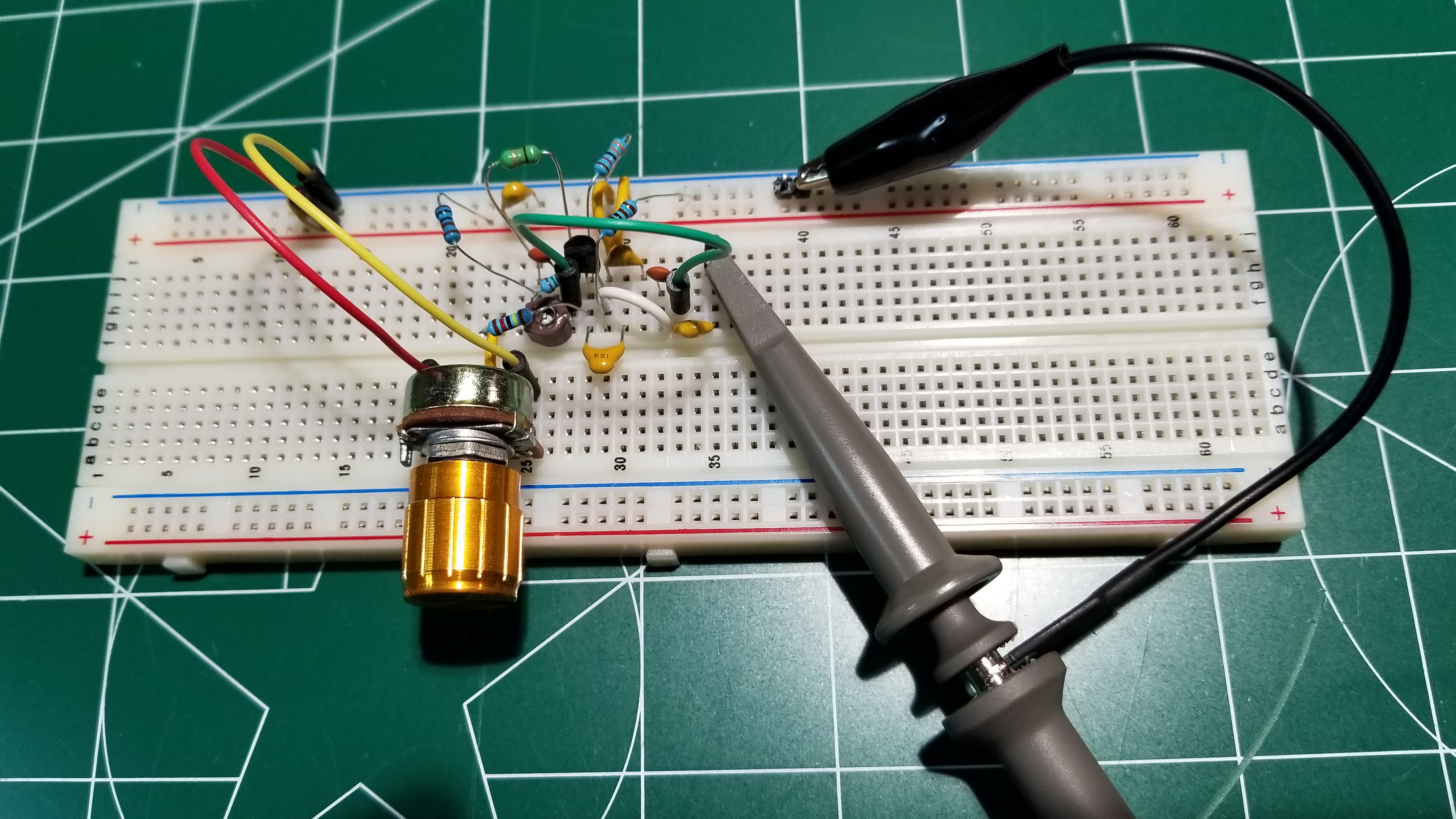
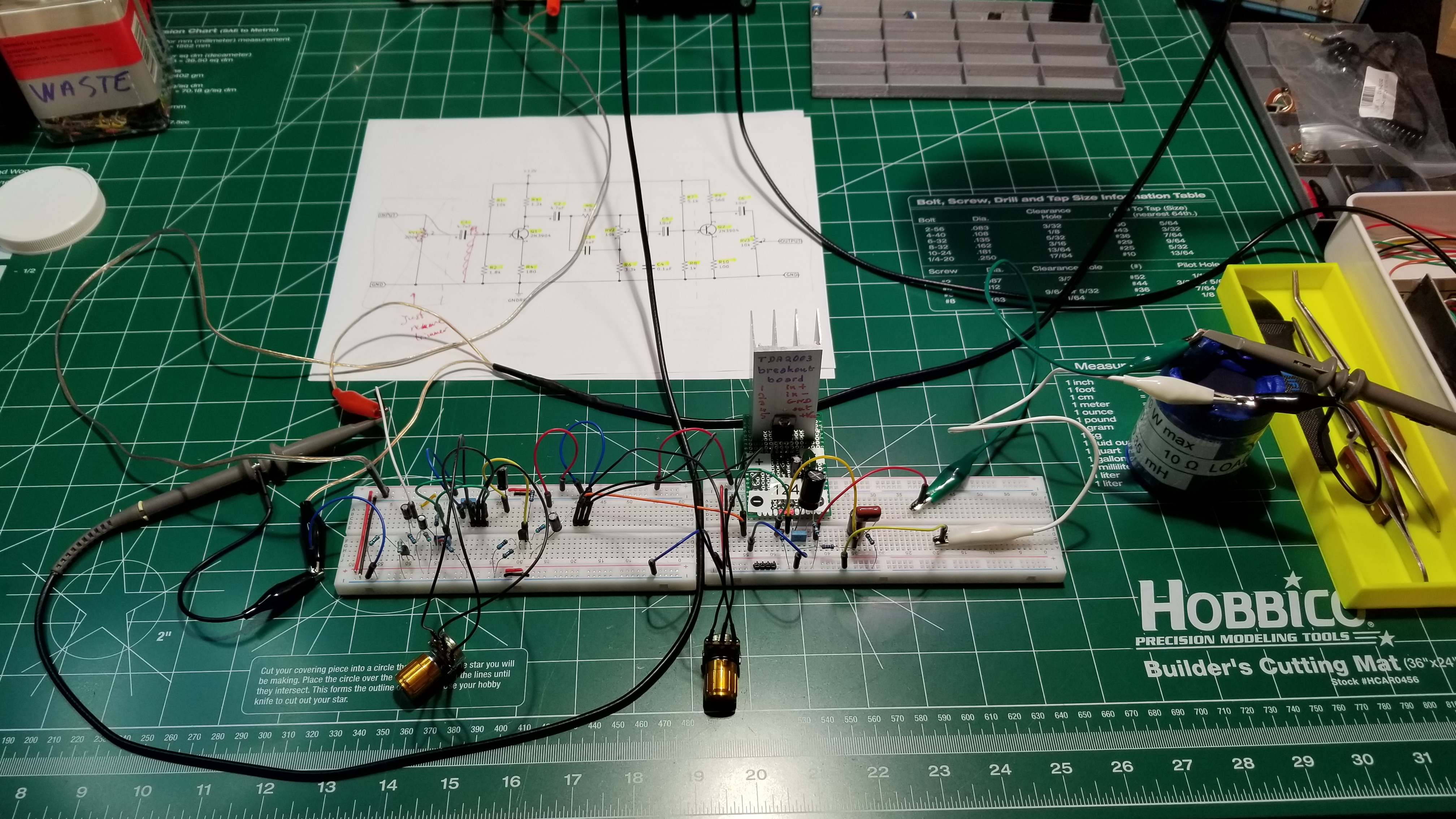
Did you ever ask yourself where I get the schematics of the Theremin circuits and other gadgets that I present on my YouTube videos? The answer is simple: I do some research on books, on specialized magazines and on the Internet. I see solutions created by other people, if any, and then I think about what would better work for my case. Sometimes it ends up to be a modification of something that somebody else did, maybe for a totally different purpose. Sometimes, I just use the general idea to create something different, new, my own design that is more appropriate for my needs.

20181213_105525

Either way, I usually build a number of prototypes of what I need, then I take some measurements in lab, then I start making further modifications to my original design, until I obtain exactly what I am looking for.

20181213_105610

Also, more often than not, I figure that the circuit I am testing is too sensitive to certain parameters of the circuit itself. Maybe is a capacitor which value needs to be adjusted a little bit, or a connection between two or more components that causes issues because of capacitive or inductive coupling with other components. That is when I try to change my design to reduce such sensitivities, so that the circuit can be assembled by anyone with the exact same results as mine. And this is what is called engineerization, or adjusting the design for mass production.

20180915_153412

And sometimes, to do so, it is not enough to test the single circuit. Instead, I need to connect the circuit with other pieces that have to work together with it, and see if further unwanted interactions happen, so that I can eliminate them or, at least, reduce them so that they become negligible.

20180915_153256

Sometimes this process goes fast, sometimes takes a long time. And that’s why my videos are not published at fixed intervals. Unfortunately, since this is done only as a hobby, I don’t always have enough time to dedicate to my project, so days go by until, finally, I am done. Then I finalize my schematics, I build the last prototype and the final product and, in the process, I also record all these activities so I can end up making a video out of them.

20180915_153313

Then the video editing process starts and, once the video is finally ready, I release it on YouTube for you to watch it.

One day I will be able to do this full time. Who knows, maybe when I retire. Or, maybe, if you all give me a hand, this could become my new full time job (donations, donations, donations). We’ll see.

Thank you for reading this article. And, as usual, happy experiments!

Another Theremin Post

Announcing the new video on the design, implementation and testing of the power supply module of the Theremin.

You can find the video at this link.

Also, refer to the link on the right column about the Theremin project to find all the files so far published on the construction of this unusual electronic musical instrument (schematics, 3D designs, work art).

And, finally, don’t forget to look also at the other videos on my YouTube channel.